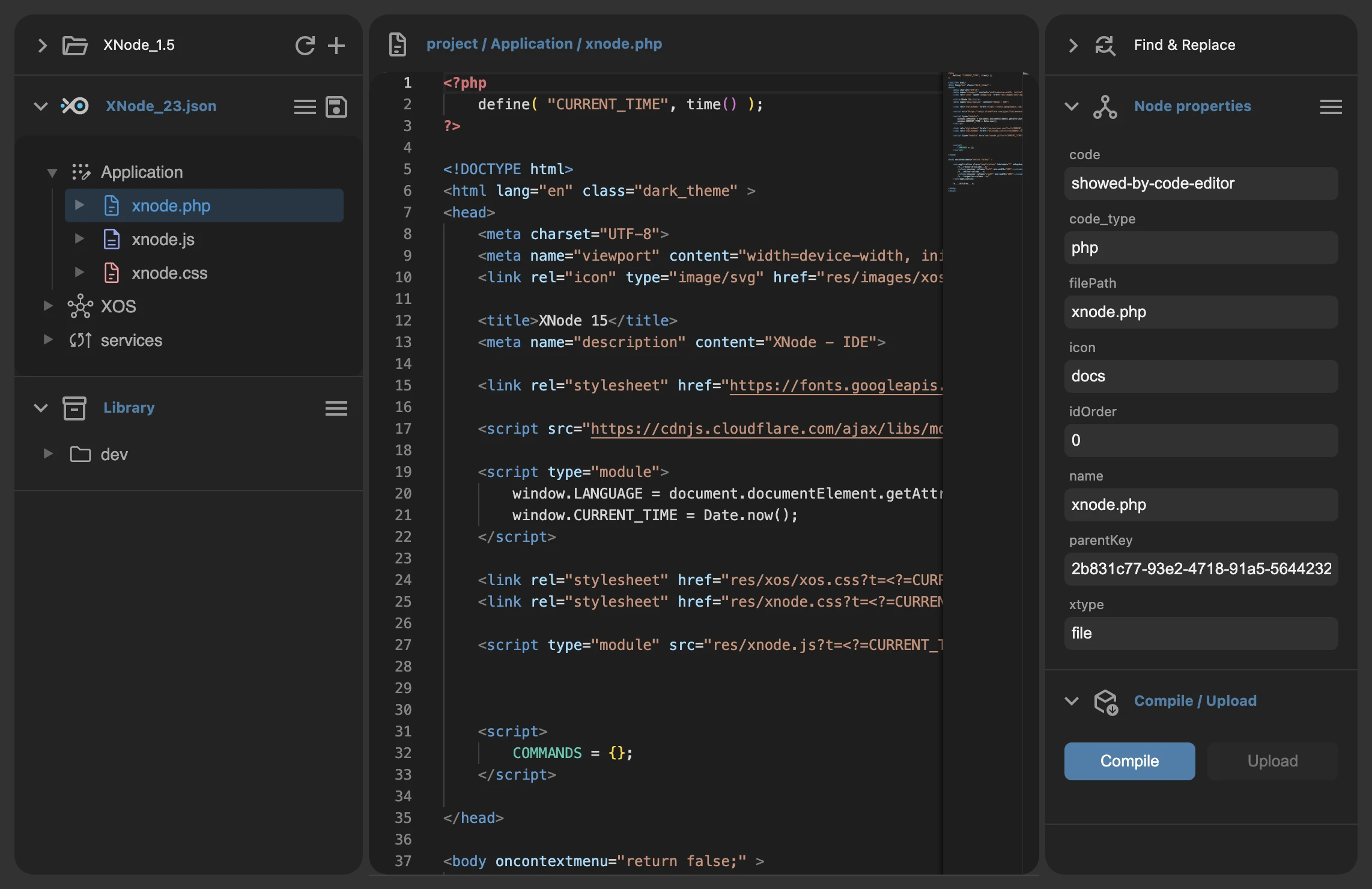
XOSystem
| XOSIDE
XOSystem
| XOSIDE
Turn complexity
into logical building blocks.
Open XOSIDE
When you launch XOSIDE, in the dialog that appears you'll be asked to select the folder of an existing project.
If you don't have a project yet, click "Start base project" to create a new project based on a basic XOSIDE project template.
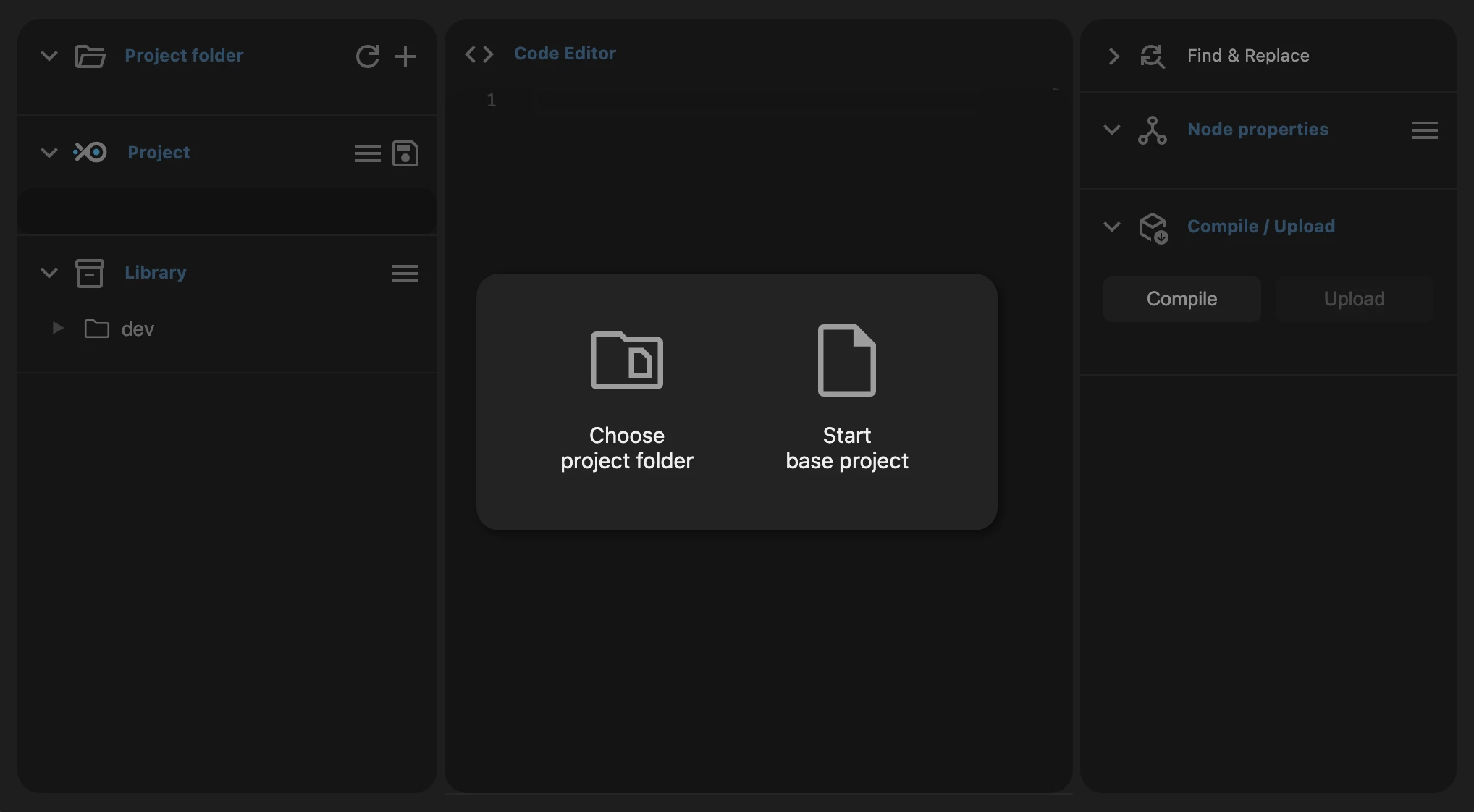
To compile the project, simply click the "Compile" button.
If you're compiling a new project that hasn't been saved yet,
you'll be asked to select a target folder where the project and its compiled files will be saved.